Thankfully cause of building the effect up in advance, I’m able to apply the whole ‘set’ of filters onto future projects in after effects whenever I feel like using em. The sort of colorbleeding linework though uses an effect called RGB Split, which I picked up how to do in the program in part from this tutorial
You can also get the same look in photoshop though by duplicating the layers you’re wanting to give that effect to (in this case the lineart) 3 times, opening up the fx for each layer, and in the ‘blending options’ section clicking on the checkboxes for channels so you have one R layer, one G layer, and one B layer. Then afterwards move the layers themselves a tiny bit from one another so they’re good n’ blurry.
Depending on which layers you move where it’ll cause certain colors to show more than others as well, so just play around with how much you shift each one away from the other.
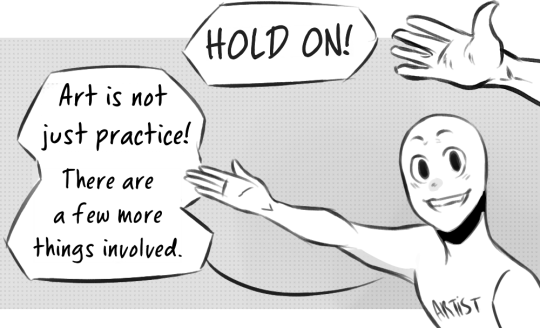
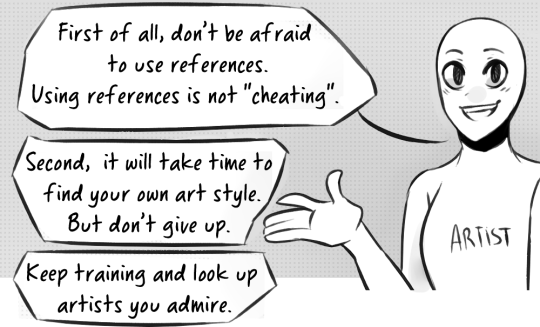
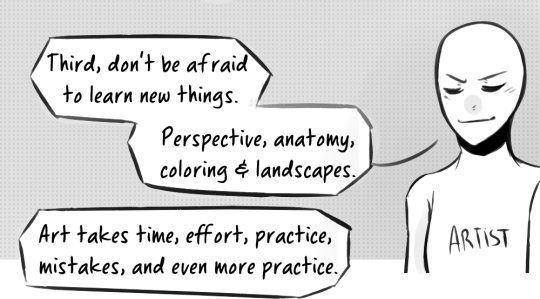
OK SO HERE’S THE THING! Lots of artist’s go-to tips about getting better is practice. I can assure you that’s usually because the artist may not want to give tips and that’s one of the best things they can give. So in the case of this post, yes. There is more to getting better at art than JUST practice. Thank you to primomon for putting that out there.
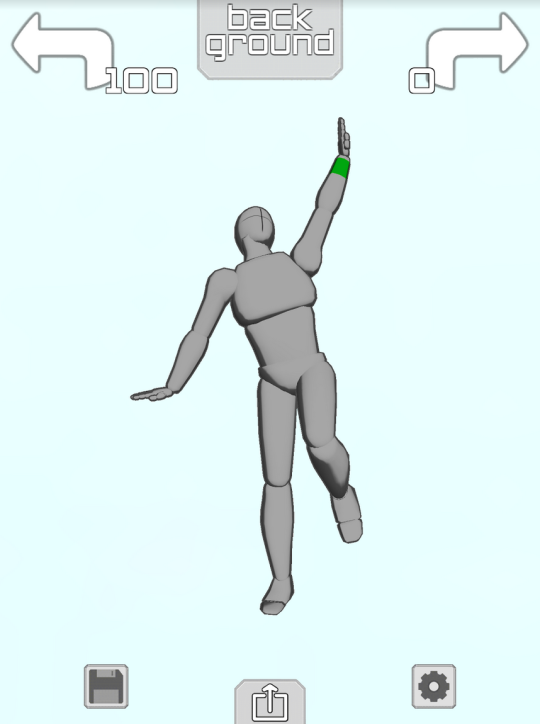
if you have an ipod or iphone or ipad or whatever then Please download the app “Make a Pose”
it gives you a lil figure like this
and you can make them do whatever you want!! Like
Took me about 1.4 minutes to make this sad little guy it’s Really easy to get the hang of
they Happy
you can change the camera angle so easy too so you can get perspective + foreshortening reference
THIS IS ALL FREE TOO but if you pay $2 you unlock the ability to have two figures onscreen at the same time so you can make COUPLE POSES
AND YOU CAN CHANGE THE LIGHTING,
you can also make rooms and place some objects or characters like so:
YOU WANT A CHARACTER W/ A BIGGER CHEST? HERE THEY ARE
YOU WANT A FRICKIN HORSE?
NEIGH NEIGH MOTHER FUCKER
ANYWAY YOU CAN PAY ABSOLUTELY $0 TO GET THE APP WITH THE ABILITY TO POSE ONE FIGURE AT A TIME AND IF YOU PAY $2 YOU GET TO PUT UP TO 6 CHARACTERS ON THE SCREEN AT ONCE AND YOU ALSO GET A GOTDAMN HORSE. again it is called “Make a Pose” and it’s for iphone or ipod touch or ipad and i cannot recommend it enough






 Procrastination Queen